Health Connect vs Google Fit: Understanding the Difference and Choosing the Right Setup
Android health tracking is no longer a single-fitness application but an interconnected ecosystem, which shares data between a number of services. There are two significant platforms, Health Connect and Google Fit, which can be easily confused, as they cannot be used interchangeably, but closely collaborate.
In this manner, knowing the difference between them, when to apply each, and how they all combine with wearables like Fitbit, Pixel Watch, Samsung Galaxy Watch, Garmin devices and services like Strava or MyFitnessPal will allow you to create a reliable and privacy-controlled system of health tracking.
Over latest post:Insight Health and Fitness Center Flint MI: A Hub for Health, Wellness, and Community
What Is Health Connect?
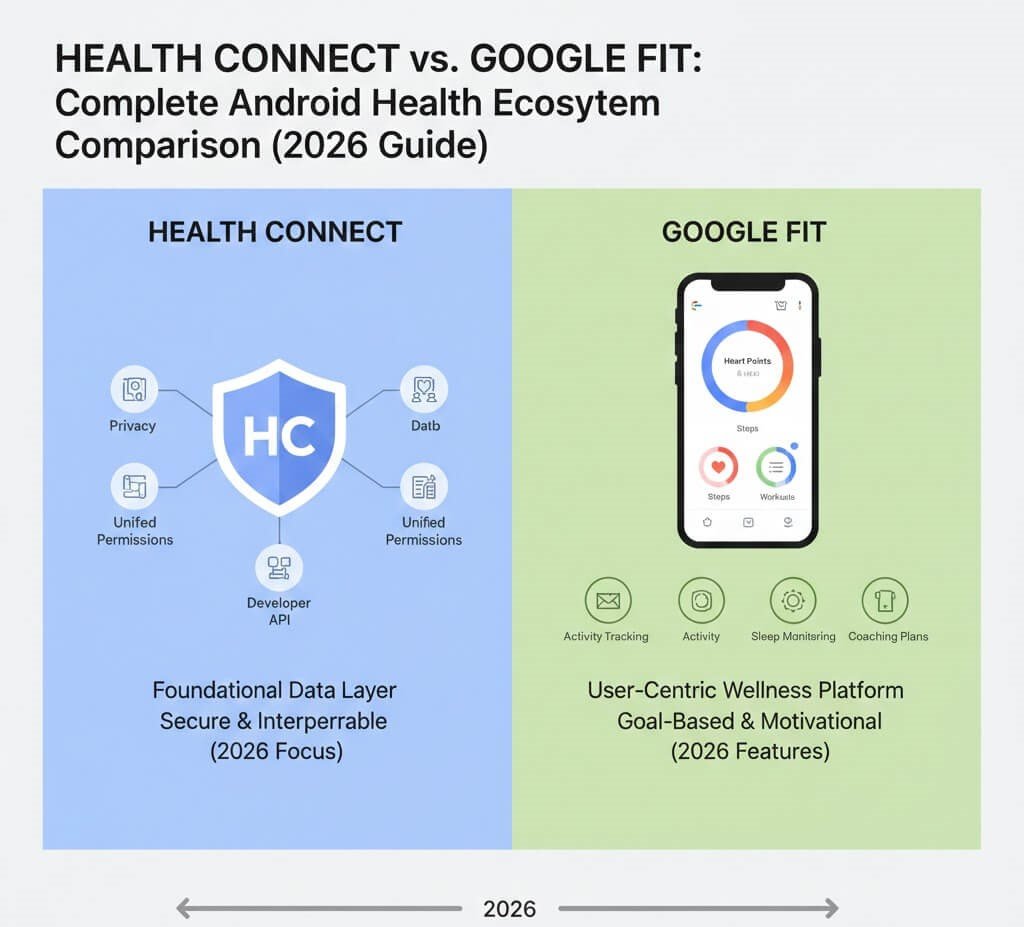
Health connect is an Android OS based centralized health data-sharing developed by Google LLC. It does not follow exercises one after another. It instead stores and shares health data between apps in standard formats and allows access by permission.
Core Functions
- Central hub for health metrics storage
- App-to-app data synchronization
- Granular permission control for each data type
- Integration layer for the Android Health API ecosystem
Supported Data Types
- Steps and activity minutes
- Heart rate and blood oxygen
- Sleep tracking
- Calories and nutrition
- Exercise sessions
- Body measurements
Health Connect is also comparable to Apple HealthKit in that it is a middleware platform that integrates various fitness platforms into one data space.

What Is Google Fit?
The application Google Fit is a fitness tracking application that is used to track physical activity with smartphone sensors or wearables that run on the Wear OS platform. It records exercises and counts Move Minutes and Heart Points and offers a basic health dashboard.
Key Features
- Step and activity tracking
- Workout logging
- Basic sleep tracking (via compatible devices)
- Wearable integration (Fitbit, Pixel Watch, Wear OS devices)
- Health insights dashboard
Unlike Health Connect, Google Fit collects data directly from sensors or devices.
Over latest post:Trueform Health and Fitness: A Holistic, Inclusive Approach to Wellness
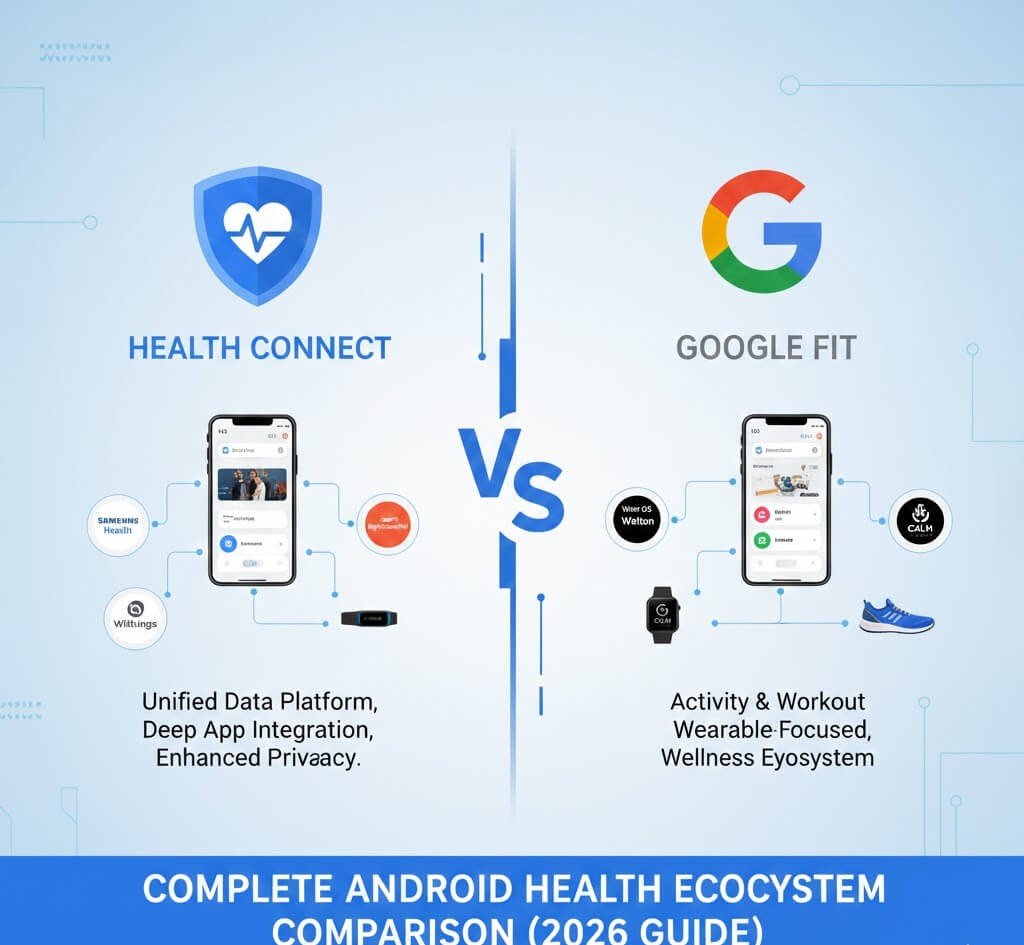
Health Connect vs Google Fit: Key Differences
| Feature | Health Connect | Google Fit |
|---|---|---|
| Platform type | Data-sharing hub | Fitness tracking app |
| Tracks workouts directly | No | Yes |
| Syncs multiple apps | Core function | Limited |
| Permission-level control | Advanced granular permissions | Basic |
| Dashboard for activity | Minimal | Full dashboard |
| Role in Android ecosystem | Middleware integration layer | Tracking interface |
| Best use | Cross-app data management | Daily activity tracking |
Simple rule:
- Google Fit collects data
- Health Connect organizes and distributes it
How the Android Health Ecosystem Works Together
Modern Android health tracking is based on health data interoperability. Instead of each app storing isolated data, Health Connect acts as the central repository while apps like Samsung Health, Fitbit, Garmin Connect, Strava, or MyFitnessPal read and write information through shared permissions.
This architecture allows:
- Multi-device tracking consistency
- Reduced data duplication
- Unified health history across apps
- Easier switching between devices or services
For example, workouts recorded on a Garmin watch can automatically appear in Google Fit when both apps are connected through Health Connect.
Over latest post:How Can Good Fitness and Health Improve Your Career Success?

Decision Framework: Which Should You Use?
Use Google Fit alone if:
- You want simple step and activity tracking
- You use a single wearable or no wearable
- You do not rely on multiple fitness apps
Use Health Connect if:
- You use multiple apps such as Fitbit, Samsung Health, Strava, or MyFitnessPal
- You want centralized privacy control
- You frequently switch devices or ecosystems
Best setup for most Android users
Install both:
- Google Fit for activity tracking
- Health Connect for syncing data across apps
This combination delivers the most complete Android health experience.
How to Set Up Health Connect With Google Fit (Step-by-Step)
- Install Health Connect from the Google Play Store.
- Open the app and review Data & Access permissions.
- Select Google Fit and grant read/write access for desired metrics.
- Connect additional apps (Samsung Health, Fitbit, Strava, MyFitnessPal).
- Review syncing results to ensure duplicate tracking is disabled.
Once configured, data flows automatically across connected services.
Over latest post:Health and Personal Fitness Combined: The Ultimate 2025 Wellness Blueprint

Privacy and Data Control Comparison
Privacy is one of the most important differences between the two platforms.
Health Connect Privacy Model
- Per-metric permission control
- Transparent list of apps accessing each dataset
- Ability to revoke access instantly
- Optional on-device data storage support
Google Fit Privacy Model
- Central account-based storage
- Limited per-app data sharing controls
- Simpler privacy interface
In regions such as the United States, growing focus on medical data compliance and HIPAA-style expectations is increasing demand for permission-based health data systems like Health Connect.
Preventing Duplicate Data Issues
When multiple apps track the same metric (for example, steps from a smartwatch and smartphone simultaneously), duplicate entries can occur.
Best practices:
- Choose one primary step-tracking app
- Disable step recording in secondary apps
- Check Health Connect’s permission settings
- Review sync history after adding new devices
Proper configuration ensures accurate health analytics across the ecosystem.
Wearable Integration: Compatibility Across Platforms
Health Connect supports integration across many wearable platforms through connected apps:
- Fitbit devices (via Fitbit app)
- Pixel Watch / Wear OS watches
- Samsung Galaxy Watch (Samsung Health)
- Garmin watches (Garmin Connect)
- Oura Ring
- Third-party fitness services such as Strava
This cross-platform architecture is becoming essential as users often combine multiple devices.

Future Direction of the Android Health Ecosystem
Google’s long-term strategy emphasizes unified health data infrastructure. Health Connect is gradually becoming the central data layer supporting:
- Wear OS ecosystem expansion
- Fitbit integration
- Third-party fitness and nutrition services
- Future clinical and enterprise health integrations
This indicates that centralized permission-based health data systems will play a larger role in digital wellness platforms over the next several years.
Pros and Cons Overview
Health Connect
Pros
- Cross-app data synchronization
- Advanced privacy controls
- Centralized health data repository
- Future-focused ecosystem support
Cons
- Does not track workouts directly
- Requires initial setup knowledge
Google Fit
Pros
- Simple interface
- Direct activity tracking
- Easy wearable integration
Cons
- Limited multi-app data sharing
- Less advanced permission controls
When Users Typically Need Health Connect
- Switching from one wearable brand to another
- Using multiple health apps simultaneously
- Managing nutrition, workouts, and sleep data from different services
- Consolidating long-term health history
Without a central data hub, health information often becomes fragmented across apps.
Common Questions Users Ask Before Installing
Several users have the question of whether Google is overhauling Google Fit. As at now Google Fit is still an activity tracking interface with Health Connect as the ecosystem data layer. They are both designed to work jointly as opposed to competing.
The other common issue is the safety of data. Since explicit permission-based sharing is used in Health connect, users have control over which apps see certain metrics including heart rate or sleep statistics.
Frequently Asked Questions
1. Is Health Connect replacing Google Fit?
No. Health Connect manages data sharing, while Google Fit continues to function as a tracking app. They are designed to work together.
2. Do I need both apps installed?
If you use multiple fitness or wearable apps, installing both provides the best data syncing experience.
3. Does Health Connect track steps or workouts?
No. It stores and distributes data collected by tracking apps such as Google Fit, Fitbit, or Samsung Health.
4. Can Samsung Health sync with Google Fit?
Yes, syncing is possible when both apps are connected through Health Connect.
5. Which app is better for privacy?
Health Connect offers more granular control over which apps can access each type of health data.
6. Does using Health Connect improve data accuracy?
It can improve consistency by preventing fragmented data across multiple apps and devices.
7. Which Android health app is best overall?
The most effective setup typically combines a tracking app (Google Fit, Fitbit, or Samsung Health) with Health Connect for centralized data management.
8. Does Health Connect work with all wearable brands?
It works with many major platforms—including Fitbit, Samsung Health, Garmin Connect, and Oura—through compatible apps.
Conclusion
Health Connect and Google Fit complement each other in the Android health system. The Google Fit is a fitness tracking interface that tracks the activity of the day, whereas the Health Connect is the centralized data sharing platform among apps, wearables, and services.
To most users, the best method is to adopt a primary tracking application, which could be Google Fit, Fitbit, or Samsung Health, and allow Health Connect to be able to exchange data throughout the entire ecosystem. Such an arrangement is more precise, quick to change devices, and offers a greater level of privacy, as well as equips users with the more interconnected digital health platform of the future.
